Mass Vs Jass: Lethal Lips
Loading game...
Mass vs. Jass: Lethal Lips
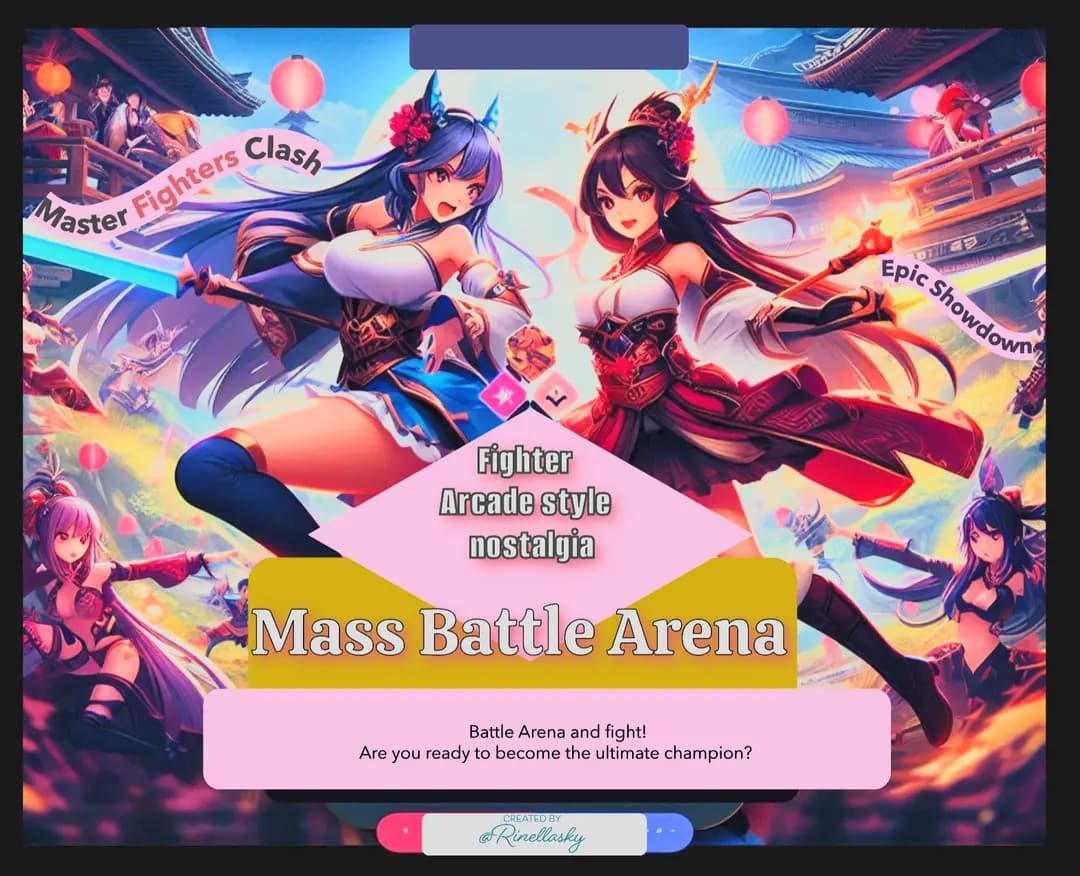
Step into the fiery showdown of words where wit is sharper than any blade! In Mass vs. Jass: Lethal Lips, two fierce Japanese warrior women trade verbal jabs in a battle of sass, style, and searing roasts. Armed with sharp tongues and scandalous style, they’ll fight to see who truly reigns supreme. Are you ready to join the ultimate clash of words? Let the roast battles begin!
How to Play
Currently, this game doesn't have any player controls. The roast battle simulation runs automatically without user input. The characters take turns roasting each other based on AI-generated responses.
Credits
List any assets, libraries, or other resources you used: Sound effects from [AI Roast Battle Template v2] Art by [RinEllaSky] Built with [framework/engine : Rosebud AI Development]
Development Notes
Share any interesting technical details or challenges you encountered while building the game. Learned how to use bitmap font , in this case 'Monocrat' used in game. The font has character mappings, glyph dimensions, and references a png file, to render custom text in game with custom pixel perfect font. Particularly interesting because Bitmap fonts are specially formatted fonts that optimize well in these type of games!This ensures that text appears crisp and consistent across different devices and resolutions. Did you know? Using a bitmap font can improve text rendering performance and maintain a consistent pixel art style throughout the game.
Technical Requirements
JavaScript Bundle
- Your game.js should be a self-contained bundle
- Must work when loaded as a script tag
- Should create and manage its own canvas element
- Must respect the container size provided
- Should handle window resize events appropriately
Asset Loading
- All assets should be loaded relative to your GitHub repository
- Use absolute URLs to your raw GitHub content
- Example:
https://raw.githubusercontent.com/username/repo/branch/path/to/asset
Game Container
Your game will be loaded into a container with the following properties:
- Class:
game-canvas-container - Aspect ratio: 16:9
- Responsive width
- Dark background
Performance
- Bundle size should be reasonable (under 5MB recommended)
- Game should maintain 60 FPS on modern browsers
- Include loading states for assets
Testing Locally
- Create your markdown file in the
postsdirectory - Name it
your-game-name.md - Ensure all required frontmatter fields are filled
- Test your game loads and runs properly
- Verify responsive behavior
Submission Process
- Host your game repository on GitHub
- Make sure it's public and the main branch is stable
- Create your markdown file following the template above
- Submit a pull request to our repository with your markdown file
- We'll review and provide feedback if needed
Example Repository
Here's a minimal example repository showing the required structure: Example Minigame Repository
Common Issues
Game Doesn't Load
- Check your repository path and branch name
- Verify the entryPoint path is correct
- Ensure all URLs are using raw.githubusercontent.com
Asset Loading Fails
- Use absolute URLs from your GitHub repository
- Check file permissions and paths
- Verify assets are committed and pushed
Performance Issues
- Optimize your bundle size
- Implement proper cleanup when game is unmounted
- Handle window resize events efficiently
Support
If you need help or have questions:
- Open an issue on our repository
- Join our Discord server
- Contact us at support@cityofbrains.com
Testing Your Submission
Before submitting, verify:
- [ ] Game loads and runs
- [ ] Controls work as expected
- [ ] Assets load correctly
- [ ] Responsive design works
- [ ] No console errors
- [ ] Cleanup works when navigating away